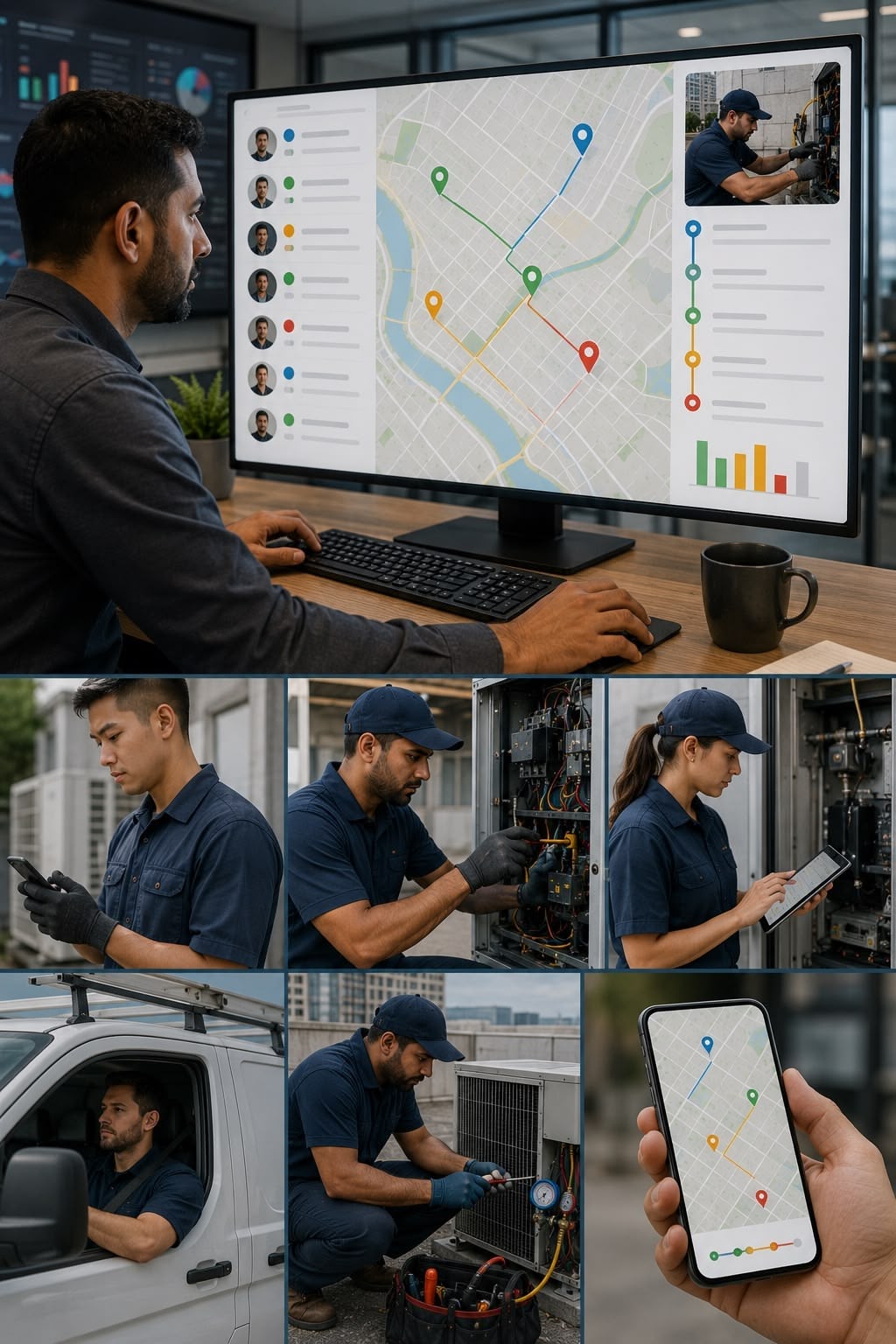
Your technicians are out in the field. Do you know what is actually happening?

FieldEx gives you a real-time record of where each technician is, what they have done, and how long they spent — at every job.

The problem

When your team is in the field, your visibility ends at the office door. You know who you sent. You do not always know what happened after.

This creates problems that are hard to resolve because there is no objective record to refer to.

1.
Timesheet claims you cannot verify.

A technician logs four hours on a job. The client says they were there for two. There is no record of when they arrived, when they left, or what they did while they were there.

2.
Clients dispute jobs you cannot defend.

A client says the work was not done, or not done correctly. Your technician says it was. Without a documented record of what happened on site — tasks completed, photos taken, client signature collected — you have no way to resolve it.

3.
You do not know who is available without calling around.

A job comes in that needs covering. You have to call or message each technician to find out who is free. By the time you have the answer, the urgency has grown.

4.
Productivity is invisible.

Some technicians complete six jobs a day. Others complete three. Without a system that captures actual job times and outcomes, you cannot see the difference or understand why it exists.

How it works with FieldEx

With FieldEx, every job has an objective record of what happened, when, and for how long.

1.
Technicians check in and out of every task.

When a technician starts a task, they check in. When they finish, they check out. The time on each task is recorded automatically. No one has to estimate or self-report.

2.
The job record captures everything done on site.

Tasks completed, forms filled in, parts used, photos taken, notes written. All of it is in the job record — timestamped and tied to the technician who did it.

3.
The client signs off on site.

When the job is done, the client or site contact signs on the technician's phone. The signature is stored with the job record. If anyone later disputes whether the work was completed, the sign-off is there.

4.
You see the whole team in real time.

Who is on a job, who has finished, who is available. Job status updates as the technician works. You do not need to call to find out.

Key capabilities

Task-level check-in and check-out

Technicians log time at the task level, not just the job level. You see exactly how long each part of the job took.

Full job activity log

Every action in a job is recorded — status changes, form submissions, photo uploads, parts logged. Timestamped and tied to the technician.

Digital client signature

Sign-off is captured on the technician's phone at job completion. Stored permanently with the job record.

Real-time job status

See every job and every technician in real time. No manual check-ins required.

Photo capture

Technicians take photos in the app before, during, and after the job. Stored with the record as documented evidence.

PDF completion document

A full job record — tasks, time, forms, photos, signature — is generated as a PDF when the job is closed.

Reporting

Pull reports on technician activity, job times, and completion rates across any time period.

Who is this for

This is for you if:

You have had a timesheet dispute you could not resolve with evidence
A client has questioned whether a job was done or done correctly
You cannot see your team's real-time status without calling or messaging
You need to verify what happened on a specific job on a specific date
You are managing technician performance but have no objective data to work from

See how it works for your team